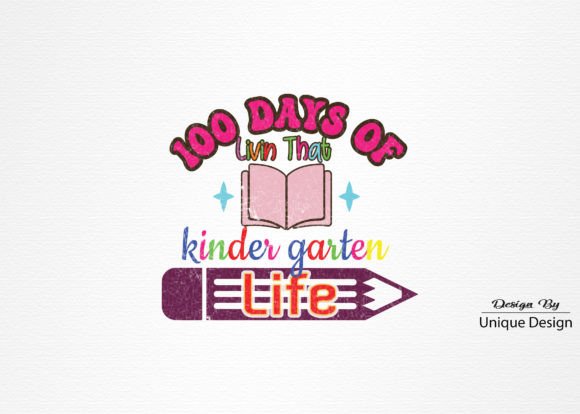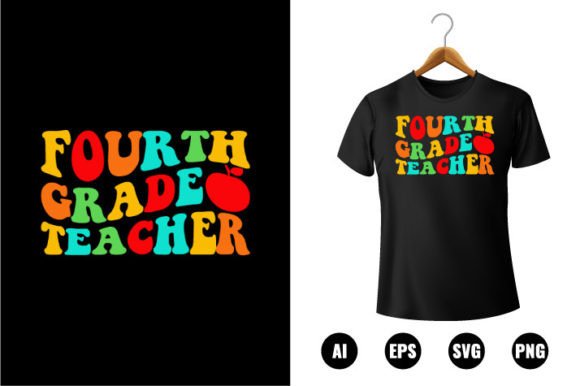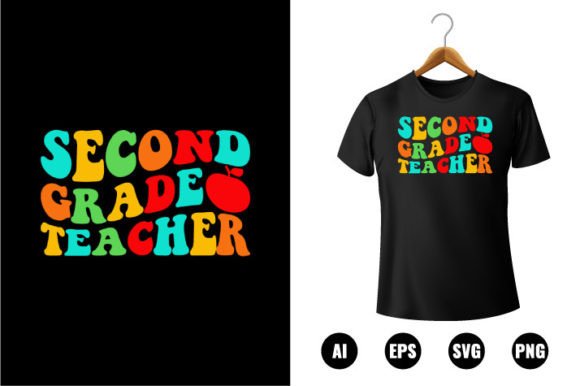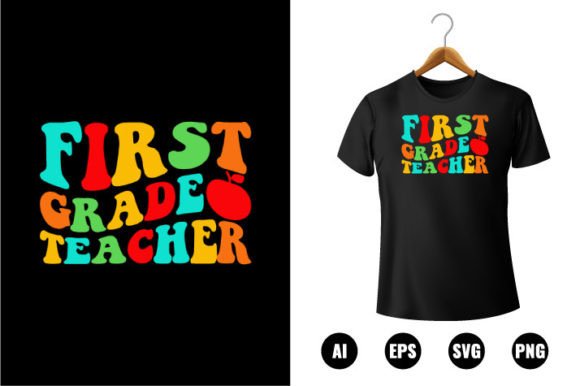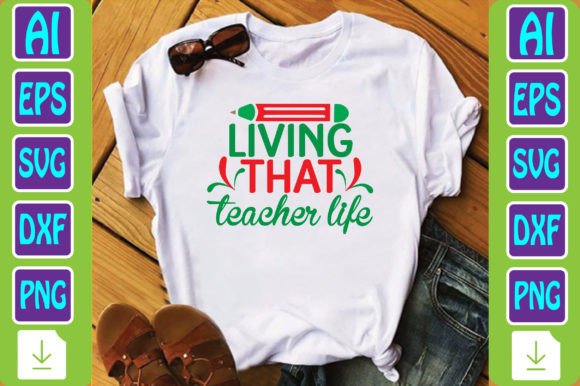
Living That Teacher Life
“Living That Teacher Life” isn’t just a slogan—it’s a mindset, a rhythm, and a quietly powerful statement of identity. For educators, creators, and professionals who wear multiple hats—designing lesson plans at dawn, managing classroom logistics by noon, and prepping digital assets late into the evening—it captures resilience, intentionality, and quiet pride. This typography-based back-to-school t-shirt design distills that ethos into clean, scalable, and production-ready files—built not for decoration alone, but for integration into real-world workflows.
What “Living That Teacher Life” Represents in Practice
It’s more than nostalgia or seasonal branding. It reflects how educators show up—not just in August, but across planning cycles, curriculum revisions, staff collaborations, and student-facing moments. The phrase resonates because it acknowledges effort without fanfare: the prep work before the bell rings, the revision after grading, the small creative choices that make learning feel human. When translated into a design asset, “Living That Teacher Life” becomes a functional tool—not just for apparel, but for reinforcing professional identity across physical and digital touchpoints.
How the Design Fits Into Your Workflow—Before, During, and After
You don’t need to wait for back-to-school season to use this file set meaningfully. Its value lies in timing flexibility and format versatility.
- Before a project: Use the AI or EPS file to align colors, fonts, and spacing with your school’s brand guidelines—or adapt it to match your personal educator brand (think newsletter headers, Canva templates, or LMS banners). Because all vector files are fully editable, you can adjust weight, kerning, or line breaks without quality loss—ideal when prepping for district-wide consistency checks or vendor handoffs.
- During execution: Drop the transparent-background PNG (300 DPI) directly into print-on-demand dashboards like Printful, Teespring, or Gelato. No background removal needed. For craft-based workflows—like Cricut or Silhouette cutting machines—the included DXF file ensures precise vector path interpretation, reducing trial-and-error with material alignment or blade settings.
- After delivery: Reuse the SVG in interactive classroom websites or digital portfolios. Its lightweight, resolution-independent nature supports fast loading and responsive scaling—whether embedded in a Google Site, Notion page, or self-hosted portfolio. The same file works for animated hover effects or accessibility-friendly text alternatives, depending on your platform’s capabilities.
Compatibility Across Tools and Teams
This isn’t a one-platform asset. It’s built for interoperability—because your workflow rarely lives inside a single app.
The AI file works natively in Adobe Illustrator for deep layer control and typography refinement. The EPS version maintains fidelity in older design suites or print service RIPs (raster image processors), especially useful when submitting to local screen printers who require legacy vector formats. SVG scales cleanly in web builders (Squarespace, Wix, Webflow), while the DXF bridges the gap between digital design and physical fabrication—critical if you’re producing custom classroom signage, laminated posters, or engraved name tags.
If you collaborate with vendors, freelancers, or marketing coordinators, having all five core formats means fewer conversion requests, less version drift, and faster approvals. No one needs to ask, “Can you send me a version I can open?”—because the answer is already covered.
Quality Control and Long-Term Usability
Every file meets production-grade standards—not just for today’s use case, but for reuse over semesters or years. The 300 DPI PNG isn’t upscaled; it’s output at native resolution from the vector source, preserving crisp edges even on large-format prints like bulletin board banners or gym wall decals. The transparent background eliminates manual masking, saving time whether you’re batch-generating merch variants or building social media assets.
Because the core design is typographic—not reliant on raster textures or complex gradients—it remains legible and adaptable as trends shift. You can easily recolor it for different grade levels (e.g., navy for middle school, sage for elementary), pair it with complementary icons (apple, chalkboard, lightbulb), or layer it over photos without visual competition.
Practical Integration Tips
Here’s how to embed this into your routine without adding friction:
- Organize by use case, not file type: Create folders named “Print Ready,” “Web + Social,” and “Cut Files”—then place the appropriate versions inside. This mirrors how you actually reach for them, not how they were generated.
- Batch-edit for consistency: If you manage multiple educator brands (e.g., your own shop + a department store), use Illustrator’s Global Colors or Character Styles to update font size or hue across all AI files at once—no copy-paste errors.
- Pre-test before scaling: Before ordering bulk apparel, run a test print using the PNG on your home printer or local copy shop. Check contrast against common shirt colors (heather grey, navy, black) and verify readability at 8–10 inches wide—the typical chest print area.
- Repurpose beyond apparel: The SVG works as a watermark on student handouts (subtly reinforcing culture), the EPS fits neatly into PDF syllabi, and the DXF cuts cleanly into vinyl for window decals in your classroom door.
Efficiency Gains You’ll Notice Immediately
Time saved isn’t abstract here—it’s measurable in minutes per task. Consider this:
- Designing a matching set of teacher appreciation mugs, tote bags, and lanyards used to mean exporting, resizing, adjusting transparency, and re-saving for each vendor. Now? Drag the SVG into one platform, the PNG into another, the DXF into your cutter—done.
- Updating your classroom store listing for next year? Swap out last year’s file with this one—same layout, higher-res, no reformatting.
- Preparing for a district vendor fair? Export a 24"x36" poster from the AI file in under 90 seconds—no pixelation, no last-minute panic about resolution warnings.
Who Benefits—and How They Use It Differently
Educators use it as a unifying visual thread across their professional presence—from conference badges to classroom door signs. Small business owners running teacher-focused shops integrate it into product mockups, email headers, and Instagram story templates—keeping brand voice consistent without redesigning from scratch each season.
Freelance designers working with schools or edtech startups treat it as a modular component: dropping the SVG into Figma prototypes, using the EPS in InDesign layouts for printed handbooks, or converting the DXF for CNC-cut acrylic desk plaques. Bloggers and content creators repurpose the transparent PNG as an overlay on video thumbnails or podcast cover art—reinforcing niche authority with zero extra design time.
Final Thought: It’s About Sustainable Consistency
“Living That Teacher Life” works because it doesn’t demand perfection—it supports continuity. You don’t need to reinvent your visual language every semester. With these files, you preserve clarity, maintain quality, and scale intentionality across formats, platforms, and purposes. That consistency isn’t just efficient—it builds recognition, trust, and cohesion: for your students, your team, your buyers, and yourself.
When the files arrive in your zip folder, they’re ready—not as static images, but as active ingredients in how you plan, produce, present, and persist.